5 Smart Home Party Mode Ideas That Actually Impress Guests (2026)
I threw a housewarming party last spring, and about twenty minutes in, I watched a guest walk up to my light switch, freeze, then awkwardly whisper, “Uh… how do you turn these off?” The lights were pulsing through a slow rainbow cycle, the music was pumping from every room, and the smart blinds were closed tight for a mini disco effect. I’d spent an afternoon scripting a single voice command — “Hey Google, let’s party” — and it worked perfectly. But I’d forgotten one thing: a way to end it gracefully. That night taught me that a smart home party mode isn’t about showing off gadgets; it’s about creating a vibe that feels effortless for everyone. Here are five ideas that actually impress guests — and a few hard-earned lessons on what not to do.
Why Your Smart Home Needs a Dedicated Party Mode
Most people think a smart home is all about convenience: turning off lights from bed, locking doors remotely, asking for the weather. That’s fine — but it’s also boring. A party mode flips the script. It turns your house into an experience. Instead of fumbling with three different apps to dim lights, start a playlist, and adjust the thermostat, you trigger one scene and everything falls into place. Guests don’t even realize it’s automated — they just feel the energy shift.
And that’s the real win. A well-designed party mode doesn’t scream “look at my tech.” It quietly sets the mood so you can actually host. I’ve seen people light up when the lights change color as the beat drops — not because they’re impressed by the bulb, but because it felt like the house was dancing with them. That’s the kind of magic that makes a party memorable.
5 Party Mode Ideas That Actually Deliver
These aren’t hypothetical “you could do this” concepts. I’ve tested all five in my own home over the past year, tweaking them based on real guest feedback. Each one runs on standard platforms — Alexa, Google Home, or Apple HomeKit — no custom coding required.
1. The “Arrival Surge” — Lights and Music That Greet Guests
Set your smart lights to a warm, welcoming orange or amber when someone rings the doorbell. Pair it with a gentle fade-up of background music from your smart speakers. I use an Alexa Routine that triggers on the Ring doorbell press: lights in the entryway and living room go to 80% brightness with a warm color, and my kitchen speaker starts a low-volume chill playlist. Guests walk in and immediately relax — no harsh overheads or awkward silence.
Pro tip: Add a motion sensor near the door so the lights stay on for five minutes after the door closes. That way, late arrivals don’t get left in the dark.
2. Color-Synced Lighting Zones That Follow the Music
This is the crowd-pleaser. Use a platform like Philips Hue with its “Sync” feature or a third-party app like iConnectHue to have your lights pulse, strobe, or shift colors in time with the beat. I set up three zones: living room (main dance area), kitchen (bar area), and hallway (transition space). The living room lights get aggressive — fast color changes and occasional strobes — while the kitchen stays in a slow, warm rotation so people can talk without feeling like they’re in a nightclub.
One guest told me, “It feels like the room is breathing.” That’s exactly what you want.
3. Whole-House Audio That Follows People
Nothing kills a party faster than a dead zone where the music fades. Multi-room audio from Sonos, Alexa Echo speakers, or Google Nest Audio lets you sync playback across rooms. I created a routine called “Party Spread” that adds any new speaker I bring online to the same audio group. When someone carries a portable speaker to the backyard, it joins seamlessly.
But here’s the trick: don’t blast every room at the same volume. Set the bathroom and hallway speakers to 40% — they’re for ambiance, not dancing. The living room and patio can go to 70%. Guests will naturally gravitate toward the louder zones, which helps with flow.
4. Voice-Controlled Lighting “Mood Shifts”
Give your guests control — but only the fun kind. I set up voice commands like “Alexa, dim the party” (drops lights to 30% and switches to deep blues) and “Alexa, energize” (brightens to 80% with fast color cycling). People love being able to change the scene without asking me. At one gathering, a friend shouted “Hey Google, make it cozy” and the lights dropped to a warm 20% — everyone cheered.
Just be careful with trigger words. I once had a guest say “party” in a conversation and the lights went haywire. Use unique phrases like “party surge” or “mood shift.”
5. The “End of Night” Wind-Down Routine
The party doesn’t end when the last guest leaves — it ends when your house goes back to normal. I created a “Party End” routine that, when triggered, slowly fades lights to off over 30 seconds, stops all music, raises the thermostat back to daytime settings, and unlocks the front door (for the designated driver who’s crashing on the couch). It’s a subtle signal to lingering guests that the night is wrapping up, without being rude.
I also added a motion sensor in the hallway that, if no motion is detected for 10 minutes after 11 PM, automatically arms the security system and turns off any forgotten lights. That one saved me from a 2 AM panic when I forgot to check the backyard.
How to Build Your Own Party Mode Without a Custom Developer
You don’t need a computer science degree or a paid developer. Here’s the step-by-step process I use, which works on any major platform.
Step 1: Choose your trigger. Voice command is the most reliable. Pick a phrase no one would say by accident — “Alexa, party mode on” or “Hey Google, start the party.” Avoid single words like “party” or “lights.”
Step 2: List your devices. Write down every smart device you want involved: lights (which bulbs, which rooms), speakers (which ones, volume levels), thermostat (target temp), blinds (open or closed), and any plug-in devices like a lava lamp or fog machine. Be specific about colors and brightness percentages.
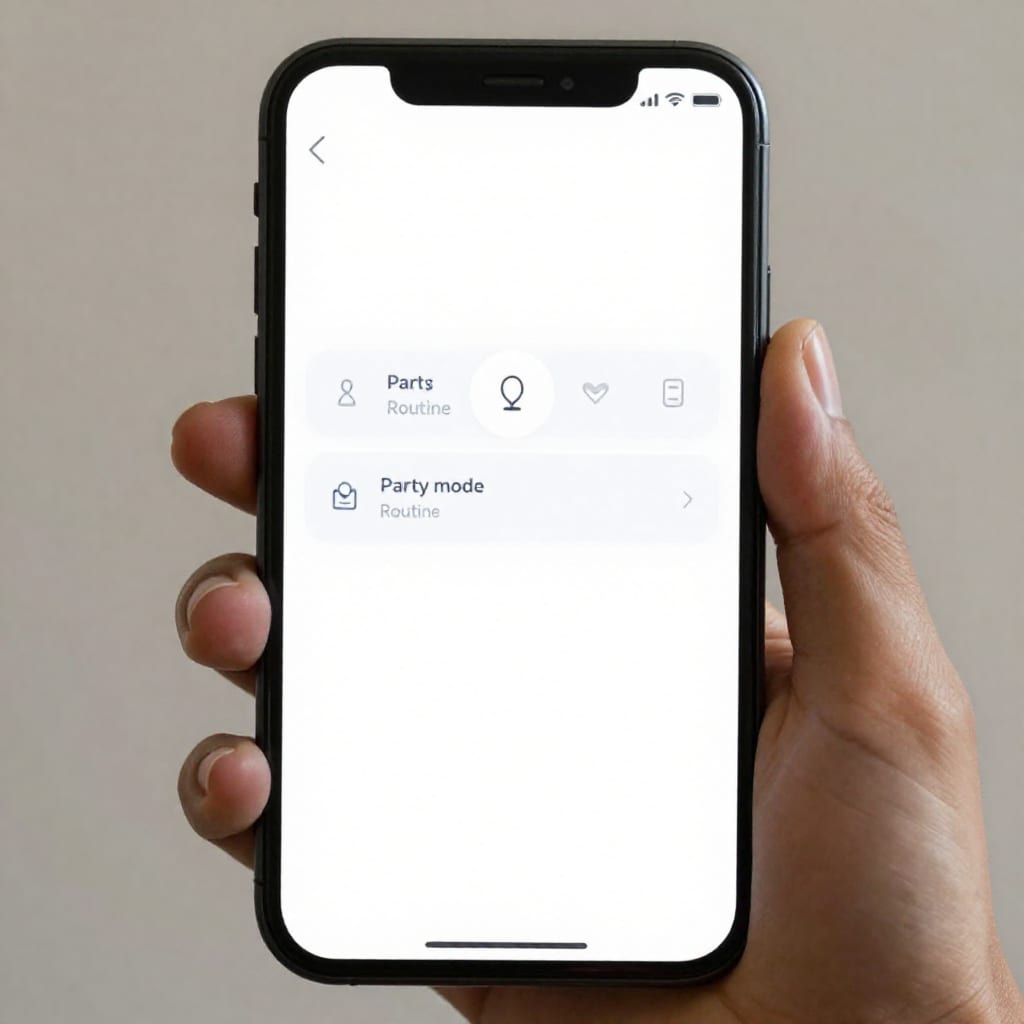
Step 3: Build the routine/scene. In the Alexa app, go to Routines > New > enter your trigger phrase. Then add actions in order: set lights, set thermostat, play music, adjust blinds. For Google Home, use Routines in the Home app. For HomeKit, create a scene in the Home app and assign it to a voice command via Siri.
Step 4: Test with a friend. Run the routine while someone else walks through the house. Ask them to describe what they see and hear. I discovered my first version had the hallway lights too bright — it felt like a hospital corridor. Dimmed them to 30% and suddenly the flow worked.
Step 5: Create a reverse routine. Duplicate your party mode routine, swap all the actions to revert to normal settings, and give it a trigger like “party mode off.” This is the step most people skip, and it’s the one that prevents your house from staying in disco mode all night.
What to Avoid When Setting Up Party Automation
I’ve made every mistake on this list, so you don’t have to.
Over-automation. Don’t trigger lights to change every 30 seconds based on motion. In a crowd, sensors will fire constantly, creating a strobe effect that induces headaches. Instead, use time-based or voice-triggered changes.
Ignoring the off-ramp. As I learned the hard way, a party mode without a revert setting is chaos. Your house will stay in party mode until you manually turn off each device. Always build the “end” routine.
Forgetting non-tech guests. Not everyone wants to yell at a speaker. Keep a physical switch or a simple button (like a Flic or a Lutron Pico remote) that triggers the same scene. Label it “Party” with a sticker.
Temperature neglect. A crowded room heats up fast. Set your thermostat to drop two degrees below normal when party mode activates. I aim for 68°F in winter, 72°F in summer. Your guests will thank you.
Testing on the night. Never test a new routine for the first time during the party. Run it at least three times in advance — once alone, once with a friend, once with all devices on. Trust me on this.
Frequently Asked Questions
Do I need a smart home hub to create a party mode?
No, you can use Alexa Routines, Google Home routines, or Apple HomeKit scenes without a dedicated hub, though a hub like SmartThings gives more flexibility.
Can I trigger a party mode with a single voice command?
Yes, most platforms let you say something like 'Alexa, let's party' or 'Hey Google, party time' to activate multiple actions at once.
Will my party mode mess up my normal daily routines?
Not if you set it as a separate scene or routine that you manually turn on and off, or use a time-based schedule that only runs during party hours.
What's the best smart lighting effect for a party?
Color-changing bulbs synced to music or a preset scene with motion-activated colors work best; avoid static white light for a dance-friendly atmosphere.
Can I revert all devices back to normal after the party automatically?
Yes, create a 'party end' routine that turns off lights, resets thermostats, and stops music — you can trigger it by voice or a set time.
Here’s the honest takeaway: a smart home party mode isn’t about having the most expensive gadgets. It’s about removing friction so you and your guests can enjoy the moment. Start with one idea — maybe the arrival surge or the music-synced lights — and build from there. Test it, tweak it, and then let the house do the work. Your guests won’t know how it happened, but they’ll remember how it felt. That’s the kind of impression worth automating.